Basics computer & office Technology Training in Nigeria | SIS Tech Institute

Categories: TECH TRAINING
Wishlist Share
Share Course
Page Link
Share On Social Media

About Course

Course Overview

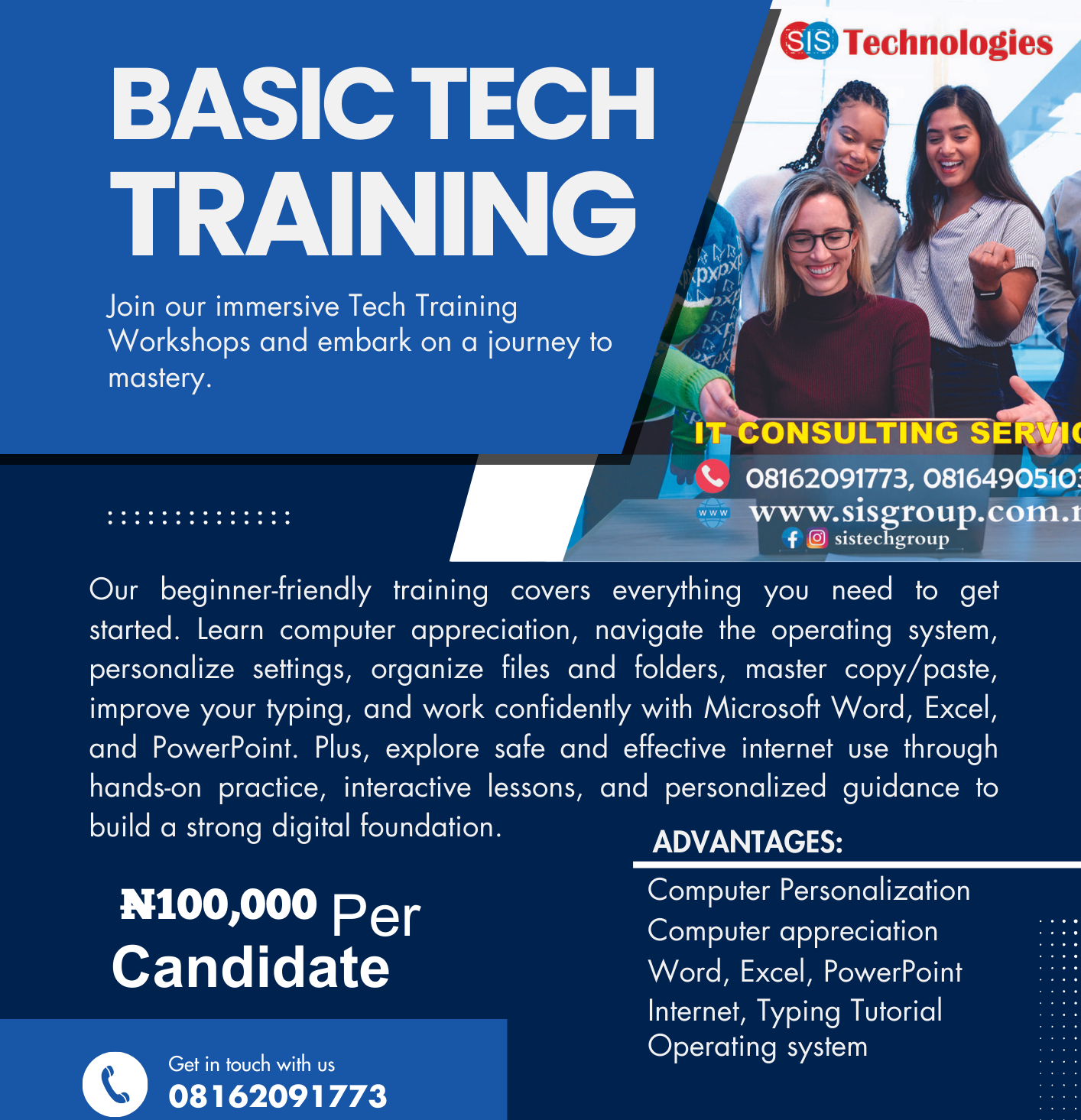
The Basic Computer Training Program is a practical, beginner-friendly course designed to help learners confidently use computers for everyday, academic, and office tasks. It covers essential computer operations, Microsoft Office applications, and internet skills needed in today’s digital world. No prior computer knowledge is required.

This program is ideal for individuals who want to become digitally confident, improve employability, and work more efficiently in school, business, or office environments.

What Will You Learn?

  • Module 1: Introduction & Personalisation
  • Understanding computer basics (hardware & software)
  • Navigating the desktop environment (taskbar, start menu, system tray)
  • Personalisation:
  • Changing wallpaper & themes
  • Adjusting screen resolution & display settings
  • Managing user accounts & passwords
  • Setting up date, time & regional settings
  • Accessibility features (font size, magnifier, narrator, contrast)
  • File management: creating folders, saving, renaming, moving, deleting files
  • Module 2: Microsoft Word (Word Processing Basics)
  • Introduction to Word interface (ribbons, toolbars, quick access)
  • Creating, saving & opening documents
  • Formatting text (font, size, color, bold, italics, underline)
  • Paragraph formatting (alignment, line spacing, bullets & numbering)
  • Page layout (margins, orientation, page breaks)
  • Inserting objects (tables, pictures, shapes, symbols)
  • Proofing tools (spell check, grammar check, find & replace)
  • Printing & saving in different formats (docx, pdf)
  • Module 3: Microsoft Excel (Spreadsheets Basics)
  • Introduction to Excel interface (worksheet, cell, column, row)
  • Entering & editing data in cells
  • Basic formatting (cell styles, borders, colors)
  • Basic formulas (SUM, AVERAGE, MIN, grade “IF True or False”, MAX)
  • AutoFill & AutoSum features
  • Creating and formatting charts (bar, line, pie)
  • Sorting & filtering data
  • Saving, printing, and page setup
  • Module 4: Microsoft PowerPoint (Presentations Basics)
  • Introduction to PowerPoint interface
  • Creating and saving presentations
  • Slide layout & design themes
  • Adding & formatting text in slides
  • Inserting images, shapes, and charts
  • Adding transitions & animations
  • Slide show view & presentation tips
  • Printing slides (handouts, notes)
  • Module 5: Internet & Online Essentials
  • Understanding browsers (Chrome, Edge, Firefox)
  • Navigating websites (address bar, tabs, search bar)
  • Using search engines effectively (Google, Bing)
  • Creating & managing email accounts (Gmail/Outlook basics)
  • Downloading & uploading files safely
  • Internet safety & security (antivirus, phishing awareness, strong passwords)
  • Introduction to cloud storage (Google Drive, OneDrive)
  • Practical exercises after each topic help reinforce learning.